Installing a Printer in Windows 11 24H2 or Later
To install a printer, follow the steps below.
-
Turn off Windows Protected Print Mode. For instructions, watch the video below.
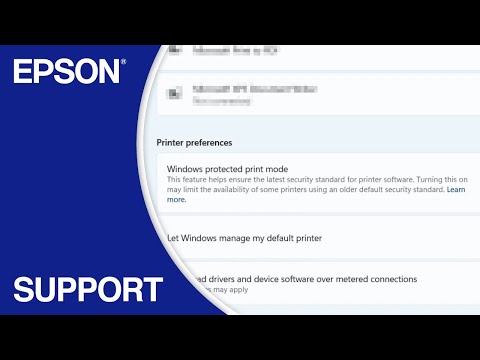
3:47
-
Download and run your product’s software package, then follow the on-screen instructions.
Note: Turn on Location services if the installer asks you to. For instructions, watch the video below.
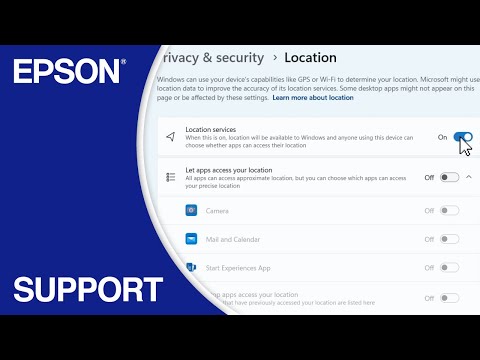
2:19